Before you start
- Slack integration is available on Team plan workspaces.
- You need workspace permission to manage integrations.
- Use Connect with Slack for the simplest setup.
- Use webhook URL instead is an advanced/manual fallback if you already have a Slack incoming webhook URL.
Option A (recommended): Connect with Slack (OAuth)
Start in Ouraboard. You do not need to create your own Slack app for the normal OAuth flow.
Connect in Ouraboard
- Open Workspace Settings → Slack in Ouraboard.
- Click Connect with Slack.
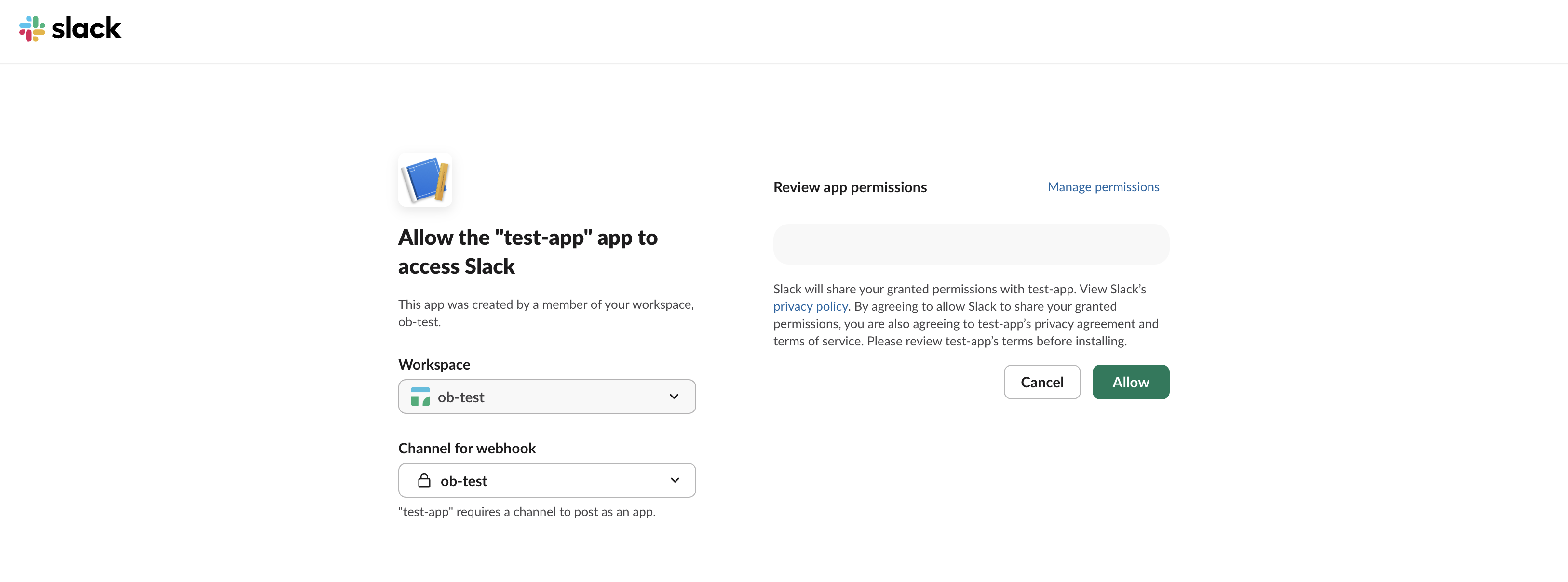
- In Slack OAuth screen, choose the target channel and click Allow.
- Back in Ouraboard, confirm the channel appears under Connected channels.
- Click Send test and verify message in Slack channel.
If the new channel does not appear immediately, wait a moment and refresh the Slack settings page once.
Option B: Manual webhook setup
Use this only if you already have a Slack incoming webhook URL and want to configure the connection manually.
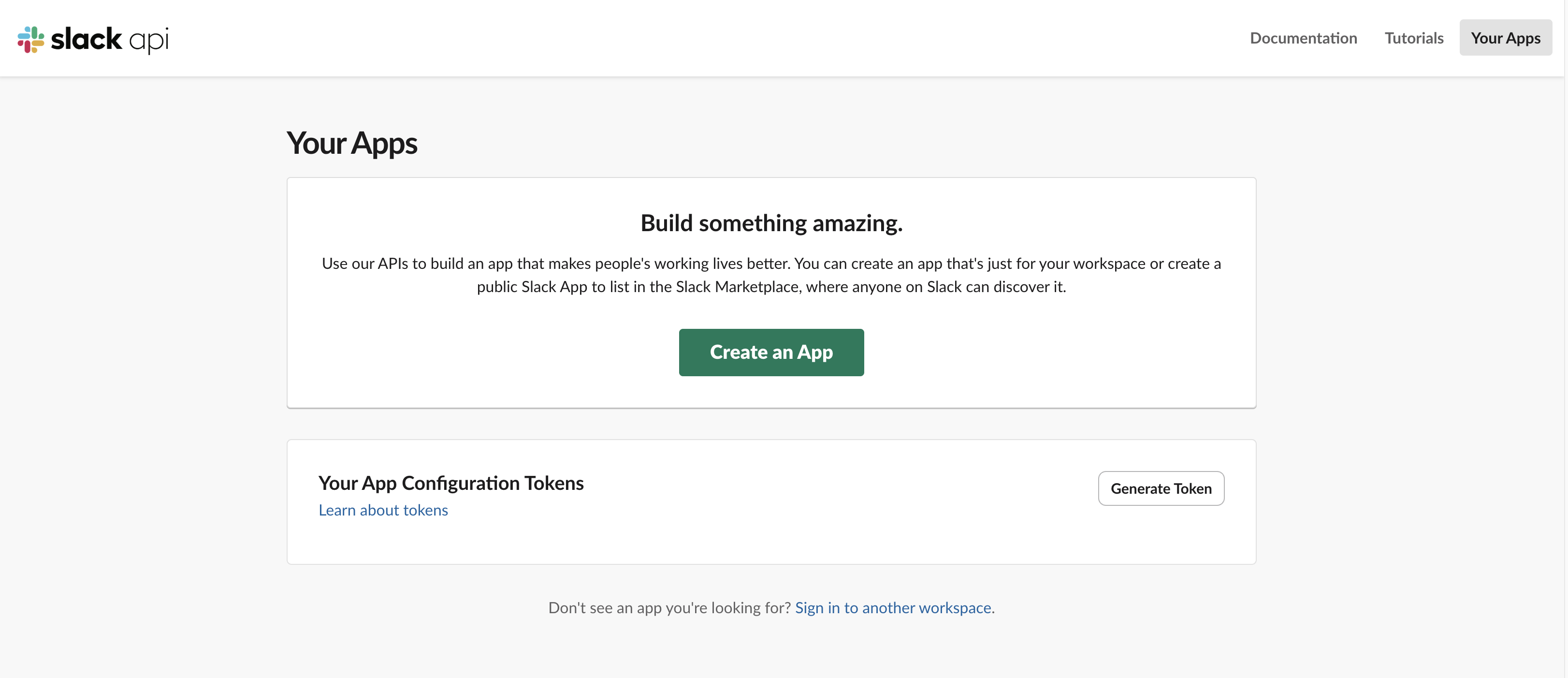
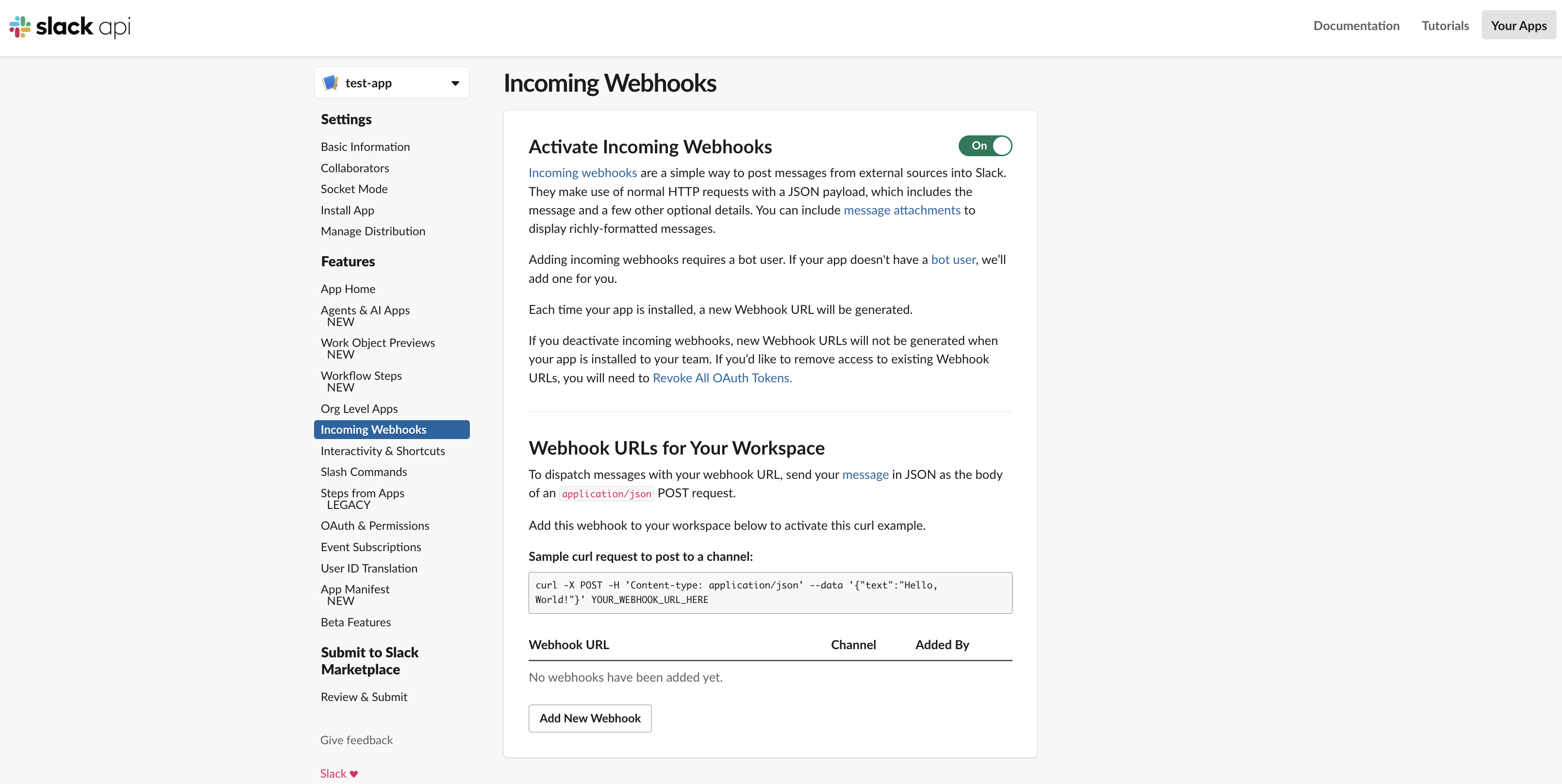
- Create or open your Slack app and enable Incoming Webhooks.
- Create a webhook for the target channel and copy the generated URL.
- In Workspace Settings → Slack, click Use webhook URL instead.
- Fill: Channel name (display name) and Slack incoming webhook URL.
- Choose event types and click Connect.
- Use Send test to verify delivery immediately.
Select events
- Issue created/updated
- Status or column changed
- Mentions or assignment updates
Save settings and use Send test to verify channel delivery.
Screenshots
Troubleshooting
- If OAuth start fails immediately, Slack OAuth may not be configured for this environment yet — contact support/admin.
- Reconnect if the app was removed from the Slack workspace.
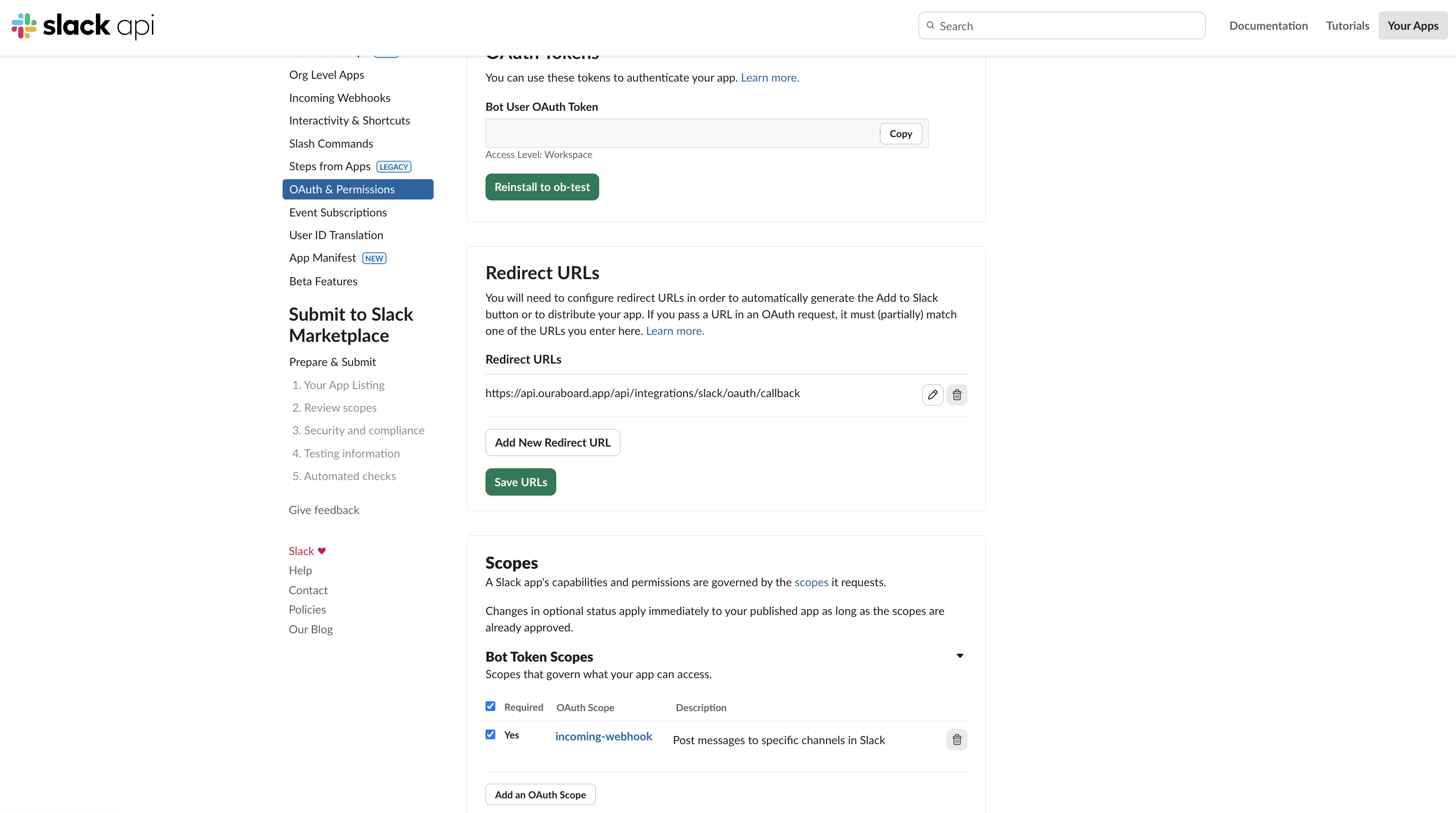
- Verify channel permissions for the installed app.
- If manual webhook returns 404/410, generate a new incoming webhook URL in Slack.